


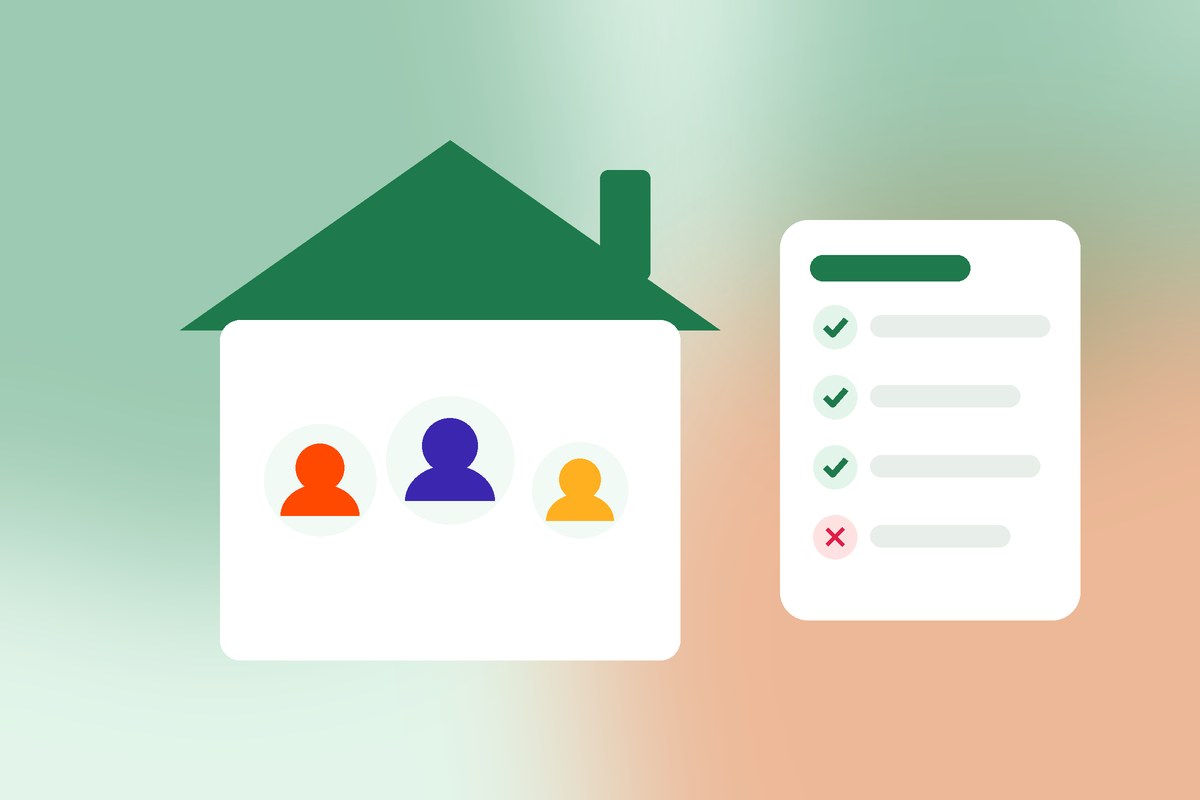
Family plans are one of the best ways to pay less for premium apps. But “family” means different things to different companies. Some plans just need you to be in a family group. Others require everyone to live at the same address.
Here’s how family plan rules work, with real examples, so you can choose a plan you actually qualify for.
The four rules to check on any family plan
1. How many people can join
Most family plans cover the manager plus up to five others:
- YouTube Premium family plans can be shared with up to 5 other members of your household.
- Microsoft 365 Family can be shared with up to five other people, for six in total.
- Google One can be shared with up to five family members.
2. Whether everyone must live together
This is the rule that catches people out.
- Household plans: Spotify Premium Family requires members to be family members residing at the same address, and YouTube’s family plan requires members to live at the same residential address as the family manager.
- Family group plans: Microsoft 365 Family and Google One use a “family group”. Check each provider’s current terms, but these plans are generally built around inviting people into your group rather than verifying a home address.
If a plan is household-only and you don’t live there, don’t join it, even if someone offers you a cheap seat. Your access can be paused.
3. Family groups and switching limits
Many providers use a family group that you can only belong to one of at a time, and some limit how often you can switch groups. If you’ve recently left another family group, you may need to wait before joining a new one.
4. Age and account requirements
Family managers usually need to be adults, and each member needs their own account with that provider. Google, for example, says you must be 18 or older to set up a family group.
Family plans vs team plans
If the household rule doesn’t fit you, a team plan is often a better choice. Team plans are built for collaborators, each with their own seat, wherever they are. We compare them in family plans vs team plans and team plan vs individual plan.
What happens if you break a family plan rule?
Usually, the provider pauses or removes the member’s access, or in some cases the whole plan. You won’t normally face anything beyond that, but you can lose access suddenly and lose the money you paid for it.
That’s why on Cluumo, each plan shows its rules before you join, and every tool is reviewed before it can be listed. Read is subscription sharing legal? for the bigger picture.
How joining a family plan works on Cluumo
- Check the plan rules shown on the group.
- Pay your share in Naira. See how to pay for subscriptions in Naira.
- Accept your invite to your own seat, with your own account. Never a shared password: never share your password.
- Confirm access, and your money stays protected until your month is complete. More in how we protect your money.
If you’re a family plan owner with empty seats and members who fit the rules, you can earn from empty seats.
A quick checklist before joining
- I meet the plan’s household or family group rule.
- I’m not already in another family group for this provider.
- I’ll join with my own account, by invite.
- I know what happens if I lose access (read lost access to a shared plan).
Frequently asked questions
Can friends join a family plan?
It depends on the plan. Household plans require people to live at the same address. Family group plans and team plans are more flexible, but always check the provider’s current rules.
What if I move out of the household?
On household plans, you’d typically need to leave the family plan and get your own subscription or join a different type of plan.
Can the plan manager see my data?
Generally no. Each member uses their own account. The manager controls who’s in the plan, not your personal files or history.
The bottom line
Before you join any family plan, check four things: member limit, household rule, family group rules and age requirements. Pick the plan you genuinely qualify for, and you’ll keep both the savings and your access. Browse groups to see each plan’s rules upfront.